Digital solutions. Tangible impressions.

Ideas become impact.

Websites, AI assistants, and branded products for growing businesses. Built for you, with support beyond launch.

Call RSGO(346) 553-1357

01 / Web & Digital

Your next customer.
A clear next step.

Help people explore your services, discover a property, or shop your products.

Pricing · USD
Find your starting point

One business. A website that fits.

APEX / Auto detailingDesign concept
HOUSTON AUTO DETAILING / BY APPOINTMENT

Every curve.
Every finish.
Every detail.

From daily drivers to weekend favorites. Precision detailing, paint protection, and a finish worth looking back at.

REFINE.
PROTECT.
DRIVE.

Care for the car.
Enjoy the drive.

Illustrative graphite sports coupe being polished in a professional detailing studio
CRAFTED CARE. VISIBLE DIFFERENCE.A finish that speaks for itself.
CHOOSE YOUR CARE

Your car.
The right treatment.

01 / SIGNATURE DETAIL

A fresh start.

A careful wash, paint decontamination, and interior refresh.

02 / CERAMIC COATING

Protect the finish.

Paint preparation and ceramic protection tailored to your vehicle.

03 / INTERIOR CARE

Feel the difference.

Deep cleaning and surface care for the cabin you spend time in.

Care, without the guesswork.01   Choose your service02   Request a time03   Drop off & drive

A service business with distinct packages, vehicle care expertise, and a clear path to requesting an appointment.

Illustrative concepts, not client projects. Images and property details are examples.

02 / Photo & Video

Show the detail.
Earn the attention.

Camera operator composing a property photograph inside a warmly lit, staged living room
Spaces. People. Products.Production concept

Property photography, brand imagery, and video for listings, launches, and everyday marketing.

Photo and video are shot on location.Tell us what to shoot and where it is, and an estimate comes back. More on real estate photography.

03 / Smart Marketing

Your brand, in hand.
Your next connection.

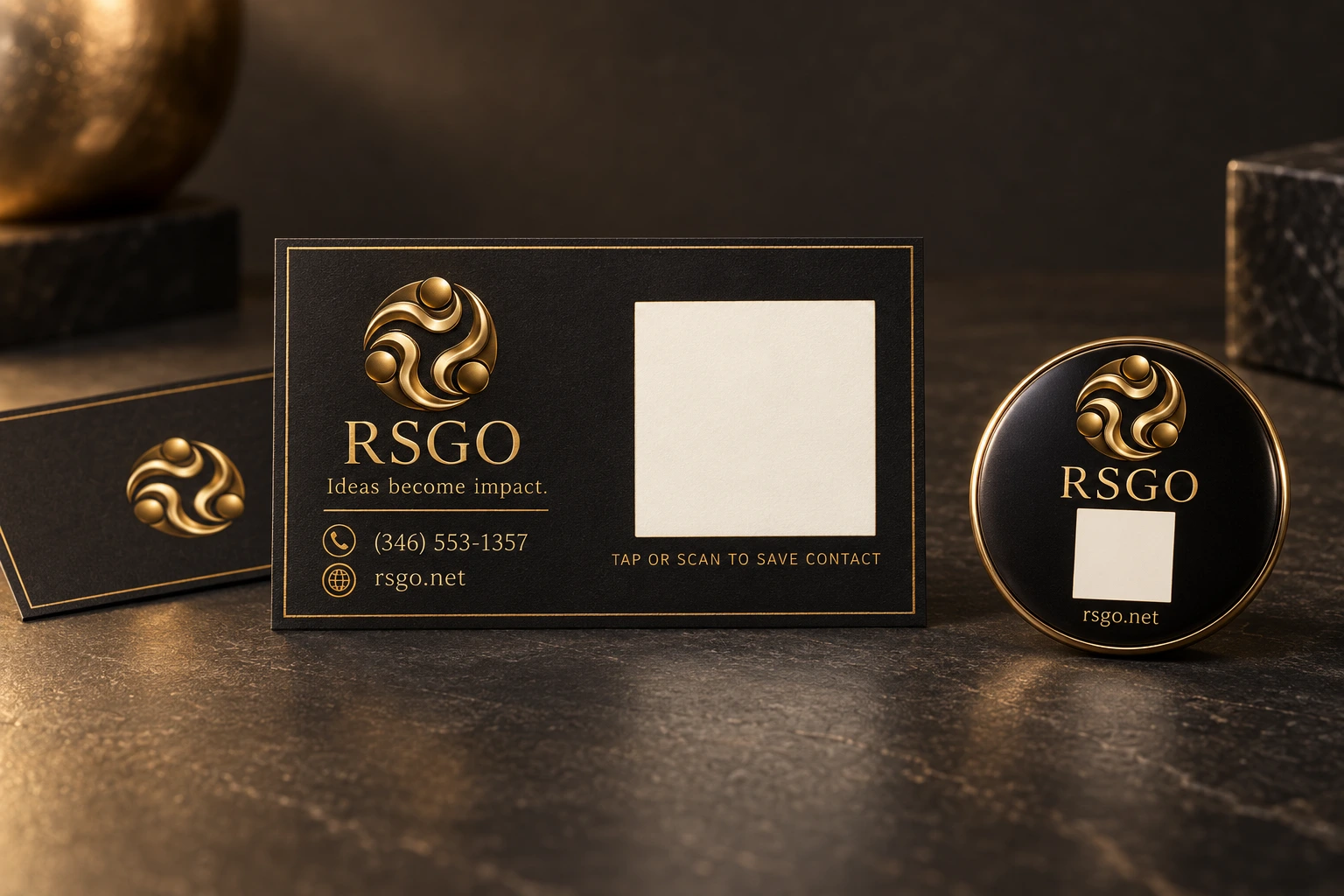
A tap. A scan. A new connection.RSGO sample collection
Try the sample QR Save RSGO
Scan or click to save the RSGO contact

Scan it with a phone camera: your phone offers to save RSGO straight to your contacts — no page in between. That is what the cards and tags above do.
For your product, the code can open a contact profile like this one, your website, or an open house page.

Make the connection.

Illustrative demo
RSGO NFC business card and round name tag

Bring your card close.A small gesture. A new connection.

NFC tag detectedOpen RSGO contact card

Tap or scan to start a connection.

QR opens the RSGO contact file directly. An NFC-enabled product can be programmed with the same link. Confirm saving on your phone.

Branded products Priced per order

Choose the product, quantity, and finish. Artwork is approved before production.

Physical products. Digital connections. Your logo and information, with a simple next step from the real world to your business.

Your artwork, approved before production. RSGO branding shown as an example.

A tap. A scan. A next step.
Contact. Website. Property. Profile. A new lead.

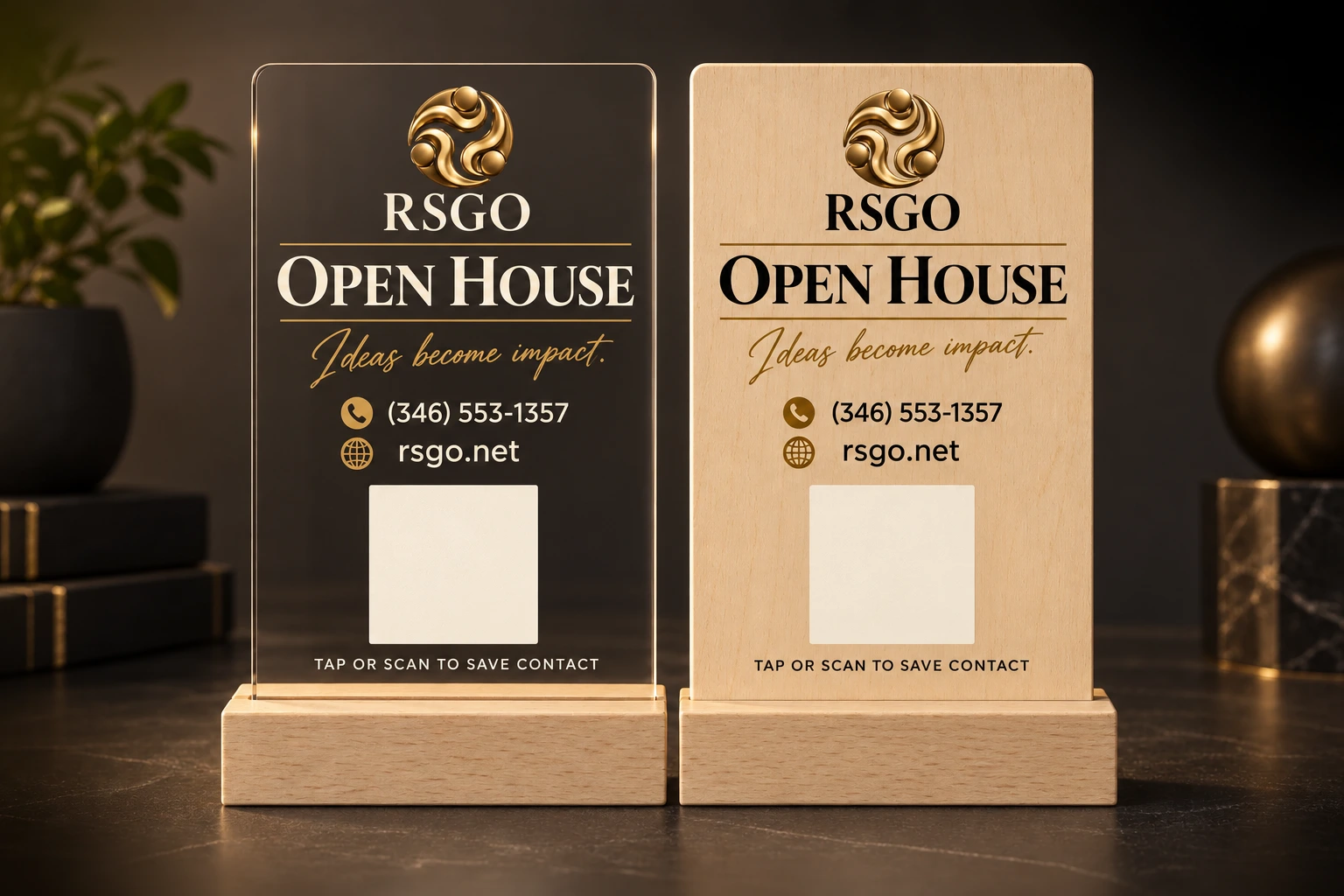
Tumblers, mugs, doormats, table signs, smart cards.Anything on this list can carry your artwork and a code that opens whatever you choose. More on NFC business cards and open house signs.

04 / AI & Automation

AI Call Assistant New

Keep your number.
AI answers
when you can’t.

Answer as usual when you’re available. When you’re not, configured call forwarding can connect the caller with your AI assistant.

It asks the right questions in English, Vietnamese or Spanish, and sends you the whole conversation the moment the call ends. You make the next call.

See how it works

Get the lead information. Keep the human relationship.

From call to connectionIllustrative demo

01 / Incoming call

David Miller

Calling Michael’s usual
business number.

Incoming call…

02 / When you’re unavailable

A helpful handoff.

Missed or after-hours calls can reach your AI assistant when call forwarding is configured.

Your numberMichael is busy
Your assistantReady to help

Same number. A supported next step.

03 / The conversation

Michael’s
AI Assistant

AI assistant“Hi, I’m Michael’s AI Assistant. How can I help?”

David Miller“A home in Sugar Land. Around $450,000.”

AI assistant“When are you hoping to move?”

David Miller“In the next month or two.”

04 / Ready for your follow-up

Get the lead.
Make the next call.

New lead Example summary

David Miller
Looking in
Sugar Land
Budget
~$450,000
Timeline
1–2 months
View LeadClose Lead

Illustrative lead. No live call or contact data.

An example of an unanswered call becoming a follow-up.

The handoff / How it works

Get the information.
Make the next call.

01 / Your number

Business as usual.

Customers call your existing business number. If you answer, the conversation continues with you as normal.

02 / Your availability

A helpful handoff.

With forwarding configured for your phone service, unanswered or after-hours calls can reach your AI assistant.

03 / A clear introduction

Always an AI assistant.

“Hi, I’m Michael’s AI Assistant.” It introduces itself clearly, speaks English, Vietnamese, or Spanish, and asks about the caller’s needs.

04 / Your next conversation

A lead you can act on.

Receive the whole conversation and the caller’s number the moment the call ends, so you read what they actually said. Review the information and call them back.

Built around your business.
We’ll agree on availability, the questions to ask, and where each conversation is sent.

On your website

AI Website Assistant

Help visitors find answers, explain what you offer, and capture the details for a follow-up.

Behind every inquiry

Lead Automation

Connect your forms and inquiries to the people and tools that need them.

After the first hello

Contact / Follow-up Automation

Keep contacts organized and make the next step easier to remember and act on.

05 / Custom Systems

Less chasing updates.
More getting done.

Portals, dashboards, and workflows built around your team’s day-to-day work.

A clearer working day

One request.
A visible next step.

Replace scattered updates with a shared view of who needs to do what.

Illustrative workflow
Project workspaceSample project
  1. 01 / CaptureNew request

    Kitchen renovation

    Jordan Ellis · Customer
  2. 02 / ReviewScope & estimate

    Measurements attached

    Alex Morgan · Project lead
  3. 03 / ApproveReady to schedule

    Customer approval received

    Next: confirm the start date

Request, owner, documents, and status — together in one place.

01

Business Portals

A shared place for your customers, partners, or team to find information and get things done.

02

Dashboards

Bring the numbers and updates that matter into a clear view of your business.

03

Workflow Systems

Connect the handoffs, approvals, and repeated steps that keep your business moving.

04

Custom Software

A tool shaped around a specific need when an off-the-shelf product doesn’t fit.

Start with what needs to work better.We’ll define the scope together.

Industry solutions

Built for how
you work.

The same craft, shaped around what your industry actually needs.

Real estate

Your brand, your listings, your leads

Client pathways, educational resources, listing access and direct contact in one bilingual place — with an AI assistant answering the line while you are showing a property.

Trades & home services

Many services, one clear path

Structured service pages, estimate intake, project content and the operational detail customers look for before they call — on a structure that expands as you add offerings.

Work in an industry not listed here?Tell us how your business runs and we will shape it around that.

The experience

Simple process. Powerful result.

01 / Signal

Choose

Find the service or combination that fits. Start with what you need.

02 / Direction

Make it yours

Pick a plan, add options, or tell us about a custom combination.

03 / System

Refine

Review the design or artwork with us before launch or production.

04 / Impact

Put it to work

Launch your website, share your content, or put your finished products and systems to work.

A doorway illuminated by warm gold light

The signal starts here

Have something in mind?

Digital, physical, or a little of both. Tell us what you have in mind.

Digital solutions

Make it yours.

01Choose your plan
    02Add the finishing touches

    Start with the need

    Describe the thing.

    Tell us what you want to change, create, improve, or make possible.

    What brought you here?

    Choose the closest starting point.

    What needs to change?

    Select everything that may be relevant.

    Timing and investment

    Rough ranges are enough at this stage.

    Introduction

    Add your details so RSGO can reply. Pressing “Send brief” sends it to us.

    Your brief is with RSGO.

    We will reply to the email you gave us. Nothing has been charged and no order has been placed.